The Skills pane
An open skill is a snapshot with explicit Reload. Exact changes under the watched conception skills root show Changed on disk without replacing its content. User-scope files are outside that watcher: Reload works there too, but no automatic notice is promised. See Open-document freshness for scroll/find and ownership rules.
Audience. Daily user.
When to read this. You want to see which management skills are installed in this conception (or globally on your machine), and whether any have drifted from what condash shipped.
Prototype note. Skills open from the rail's Skills item and are the persisted right-slot choice, read-only.
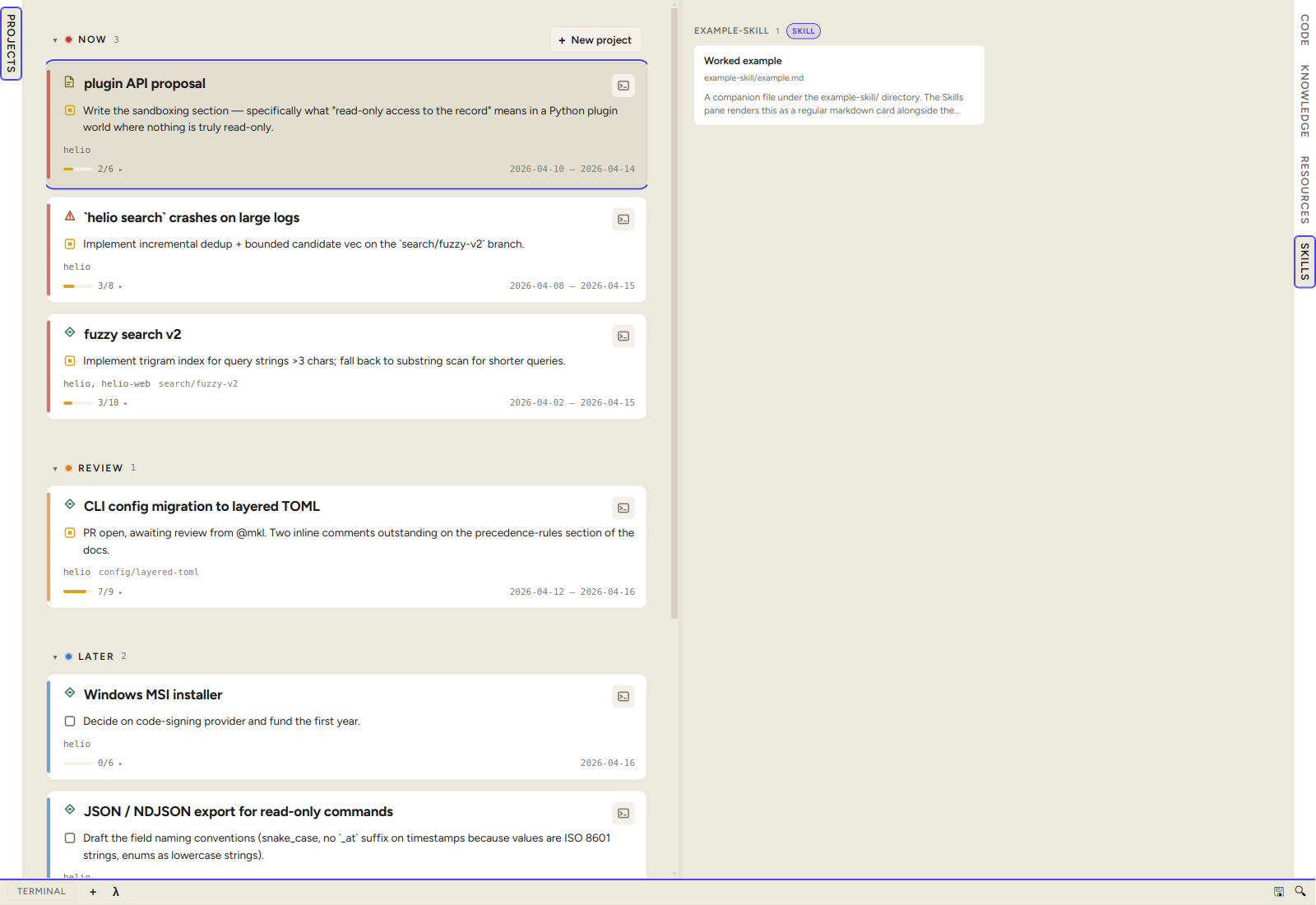
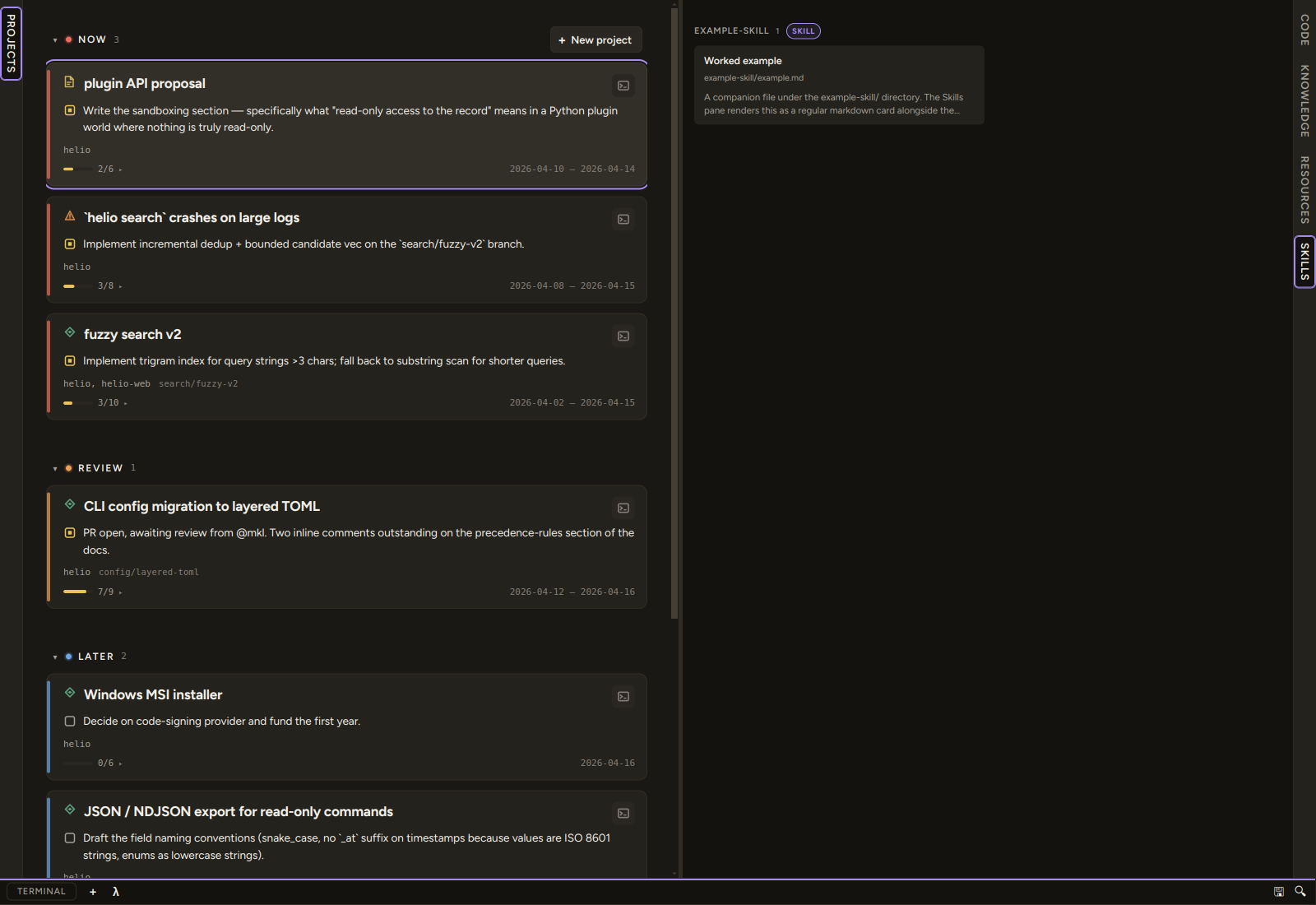
The Skills pane sits alongside Code, Knowledge, and Resources in the right working-surface slot; open it from the rail's Skills item (or View → Working pane → Show Skills) — the selection is persisted. It is read-only: it surfaces skills for browsing. The source of truth is your agedum config, edited through its own flow — condash places the sources and never compiles or rewrites them.
Two scopes
The header carries a segmented control with two scopes (and a refresh button on the right):
| Scope | AGENTS.md pinned at top |
Skills tree |
|---|---|---|
| Conception (default) | <conception>/AGENTS.md |
<conception>/.agents/skills/ |
| User | ~/.config/agents/AGENTS.md |
~/.config/agents/skills/ |
Both are agedum sources. condash never reads the compiled per-harness outputs (.claude/, .kimi/, .opencode/, …) — only the agent-neutral source tree. Each scope pins its AGENTS.md as a read-only callout at the top of the tree, then lists the skills below.
The selected scope is remembered per-machine in settings.json (skillsActiveScope) and each scope keeps its own scroll position. The refresh button re-reads the active scope on demand — useful for the User scope, whose paths aren't watched the way the conception tree is.
What the tree shows
Each subdirectory under .agents/skills/ is a skill:
- Its
SKILL.md(minimalname+descriptionfrontmatter plus the skill body) renders as a badged callout at the top of the expanded skill. - Task
.mdfiles (create.md,close.md, …) and anySKILL.<harness>.mdoverlay render as cards underneath. The walker recurses to any depth; a card's title comes from the first H1, falling back to the filename.
These sources are placed verbatim by condash skills install; condash does not compile them. Your harness launcher (agedum, shipped separately) reads the source and renders each skill per agent at run time.
If a scope has no skills yet, the pane shows an empty state:
- Conception — "Run
condash skills installto lay down the shipped skills under.agents/skills/," with a Copy install command button. - User — "User-scope skills live at
~/.config/agents/skills/. Edit them via your agedum sources."
Viewing files
Click any card to open the file in the note modal — the same viewer used elsewhere, opened read-only. Wikilinks and relative markdown links route through the in-modal navigator just like Knowledge files. User-scope files live outside the conception, so the pane reads them through a dedicated readSkillFile IPC bounded to the user-scope skill locations (never their parent dirs).
The pane never writes. To change a shipped skill, edit it at its source under .agents/skills/ (~/.config/agents/skills/... for the User scope, owned by your user-scoped tooling) — then re-run condash skills install, which refuses to clobber the edit unless you pass --force.
Shipped-skill tracking
The conception's source tree carries a single manifest populated by condash skills install:
<conception>/.agents/.condash-skills.json— refuse-on-edit tracking for the shipped skill sources, keyed by SHA256 + shipped version.
The pane uses it to flag two states:
- shipped — the on-disk content matches the version condash shipped. Cards display a
shippedchip; theSKILLcallout carries the same flag. - shipped · diverged — the file is shipped but locally edited. Cards display an amber
shipped · divergedchip, and opening the file shows a banner: "Shipped by condash, but locally edited. Runningcondash skills installwill flag this divergence."
The flags are informational only — local edits are never blocked. They exist so a quick scan tells you where your customisations are and warns you before an upstream re-install would revert them.
The manifest covers only what condash shipped. A conception-local skill — a hand-written .agents/skills/<name>/SKILL.md condash never installed — has no manifest entry and no chips, and stays invisible to condash skills list / status; it still renders in the pane and works as a slash-command skill.
→ The CLI that lays these down: CLI → skills. What condash ships and how installs behave: Extend the management skills.