The Resources pane
Prototype note. Resources open from the rail's Resources item and are the persisted right-slot choice.
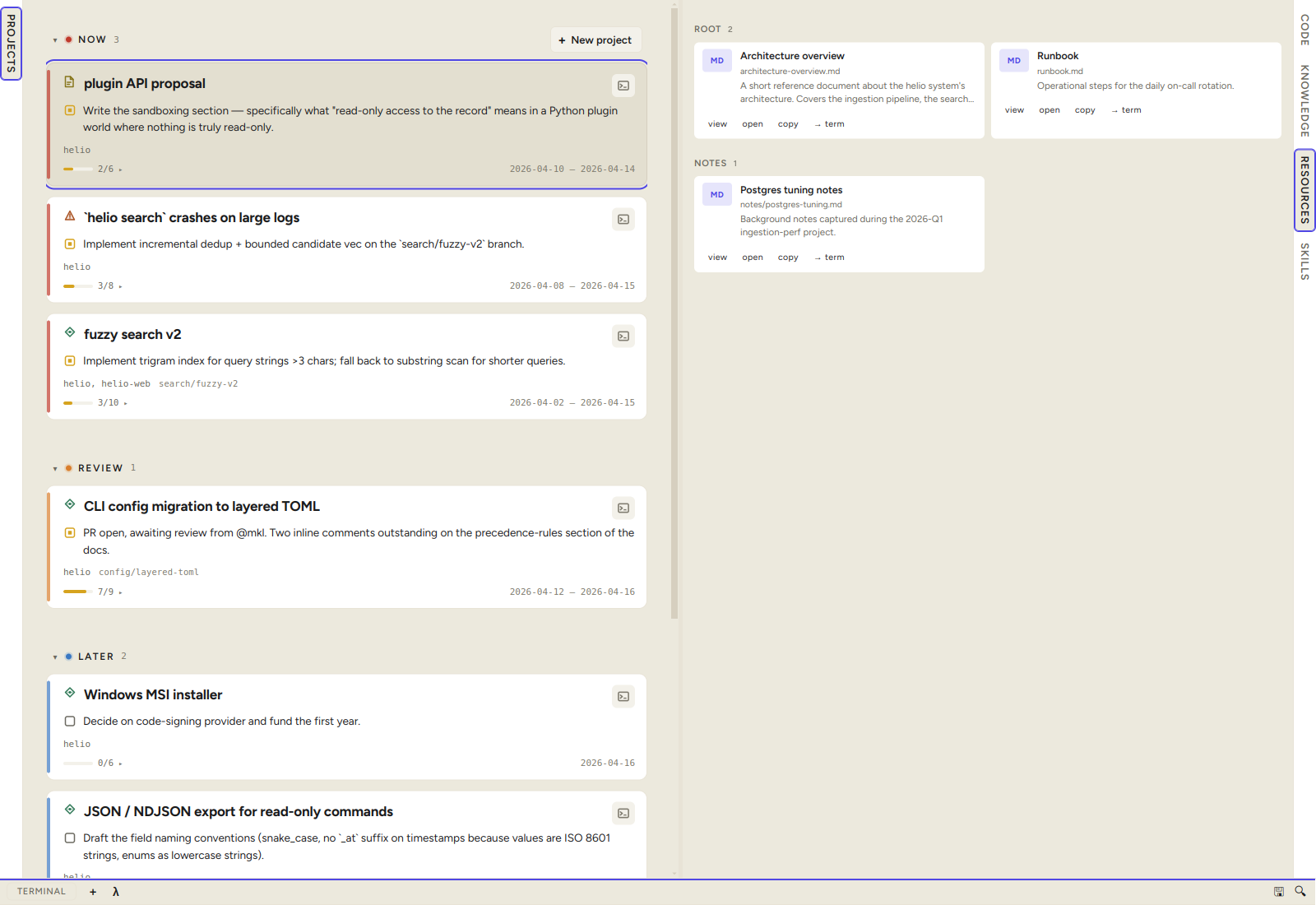
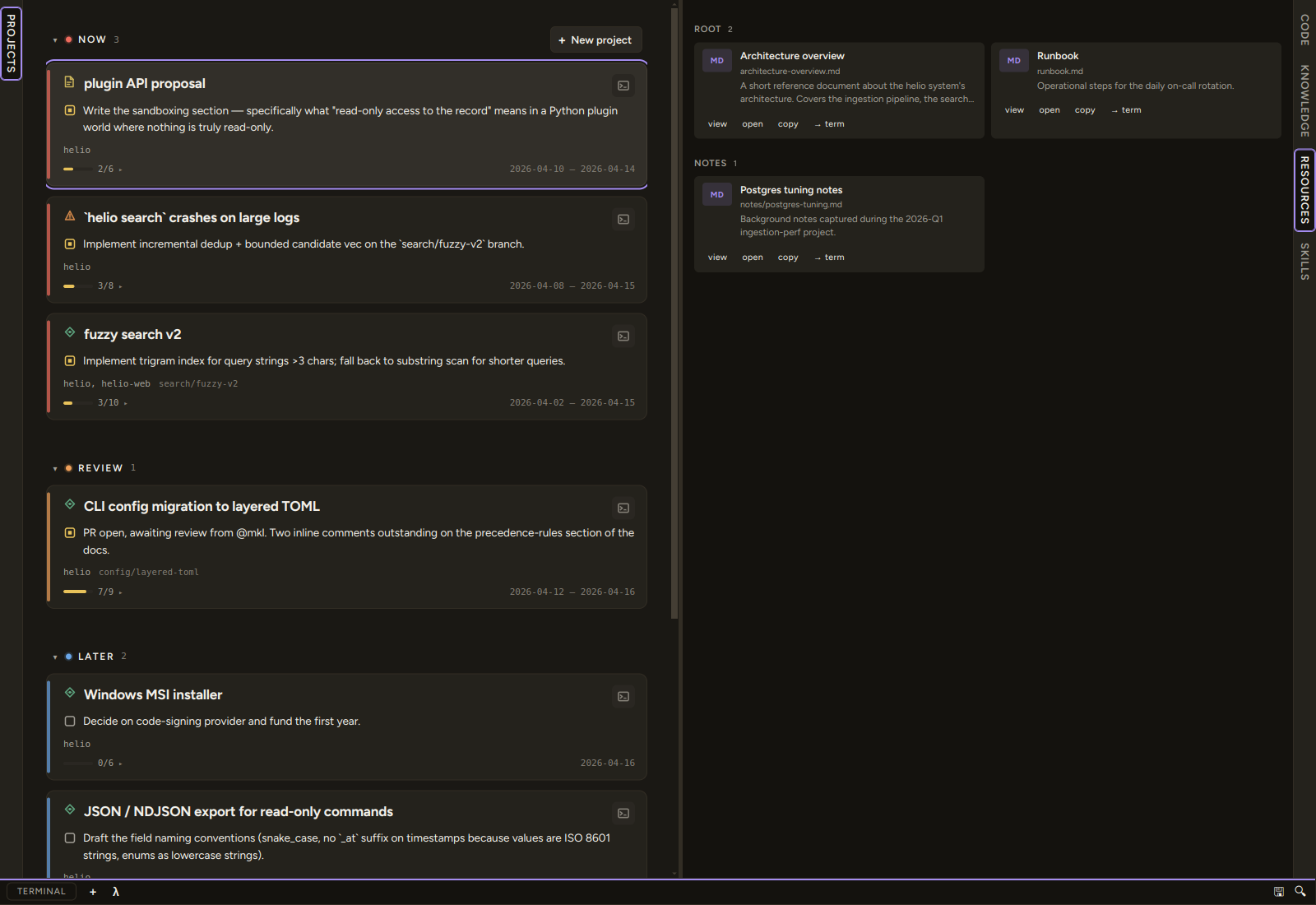
The Resources pane sits alongside Code, Knowledge, and Skills in the right working-surface slot. Open it from the rail's Resources item (or View → Working pane → Show Resources) — the selection is persisted. It browses the file hierarchy under resources/ at the conception root and surfaces every file as a small action card.
What it shows
The pane reads <conception>/resources/. The directory does not have to exist — when it's missing the pane shows an empty state:
No resources directory yet. Drop any file under
resources/at the conception root.
…plus an Open in file manager button that opens the conception directory so you can create it. There is no setting to point elsewhere (see Configuration).
Every file in the tree is rendered, regardless of extension. Hidden dot-files are skipped. Directories at any depth become their own section, so a deeply-nested layout reads as a flat list of grouped sub-directories.
Each card carries a coloured glyph for its file type:
| Glyph | Categories |
|---|---|
MD |
.md, .markdown |
MDX |
.mdx — visual notes |
PDF |
.pdf |
WEB |
.html, .htm |
TXT |
Source code, JSON, YAML, plain text |
IMG |
Images (raster + SVG) |
AUD |
Audio |
VID |
Video |
ZIP |
Archives |
BIN |
Compiled / opaque binaries |
· |
Anything else |
Per-card actions
A button row at the bottom of each card exposes:
- view — opens the file in-app, picking the viewer by type:
- Markdown → the editable note modal, rendered by default; use the edit toggle and Save to write it back.
- Text / source code (JSON, YAML, CSS, JS, …) → the note modal, read-only, syntax-highlighted by extension.
- PDF → the PDF viewer modal.
- HTML → the HTML viewer modal, rendered, with a Rendered / Source toggle in the header.
.mdx→ the visual-note block viewer — typed blocks (wireframes, diffs, data models, …) with the same Rendered / Source toggle. See Visual notes.- Image (raster or SVG) → the image viewer modal, fit-to-window.
- Audio, video, archives and binaries have no in-app viewer — the button is hidden and the card opens them in the OS default app instead.
- open — opens the file via your
open_with.main_ideslot. That is a personal, global-only setting: it lives in the per-machinesettings.json, never in a conception's.condash/settings.json. If nothing happens, the slot is probably unconfigured — see Repositories and open-with launchers. - reveal — reveals the file in your OS file manager (selected in its parent folder).
- copy — copies the absolute path to the system clipboard.
- → term — pastes the absolute path into the focused terminal session (no
↵). With no session live it opens a shell first and pastes into that new tab, once the tab is actually there to receive it; if the tab fails to open, it says so rather than pasting somewhere else.
Clicking the card body itself runs the most-likely action for the file type — view for inline-viewable types, open-in-IDE otherwise.
Each in-app viewer (PDF, HTML, image) carries the same reveal + open-in-OS escape hatches in its header, so a file that can't render in-app (e.g. an HTML page pulling root-absolute or remote assets, or an image outside the conception tree) is always one click from the real application.
Creating and importing files
The pane is not read-only. Every directory header carries three buttons that write into that directory:
+ md— create a new Markdown file, naming it in a prompt. It opens straight away.+ file— import an existing file from anywhere on disk through a file picker; it is copied in.+ dir— create a subdirectory.
This is the intended way to file a screenshot, a downloaded spec, or a scratch note into the tree without leaving the app.
Configuration
The Resources pane reads <conception>/resources/ unconditionally — the directory name is hard-coded and not configurable. To opt out, leave the directory absent; the pane renders its empty state.
See also
- The knowledge tree — the same tree component, for durable reference material. (The Deliverables aggregation is retired in the navigation prototype.)