condash
A dashboard for the Markdown you already write.
condash is a local desktop app that renders a live view of one folder of plain Markdown files — your projects, incidents, and documents. No database, no sync server, no account. The files are the source of truth; condash is the view on top, and the handful of edits it makes are lines you could have typed by hand. Collaboration happens through git: each collaborator on their own checkout, all pushing to one shared remote (Values).
It exists for one person tracking work across several codebases — a solo maintainer, an engineering logbook, a workspace shared with an AI coding agent — or a small team, each on their own checkout of one shared git repo. If you already keep work notes in a git repo, condash is the front end that was missing.
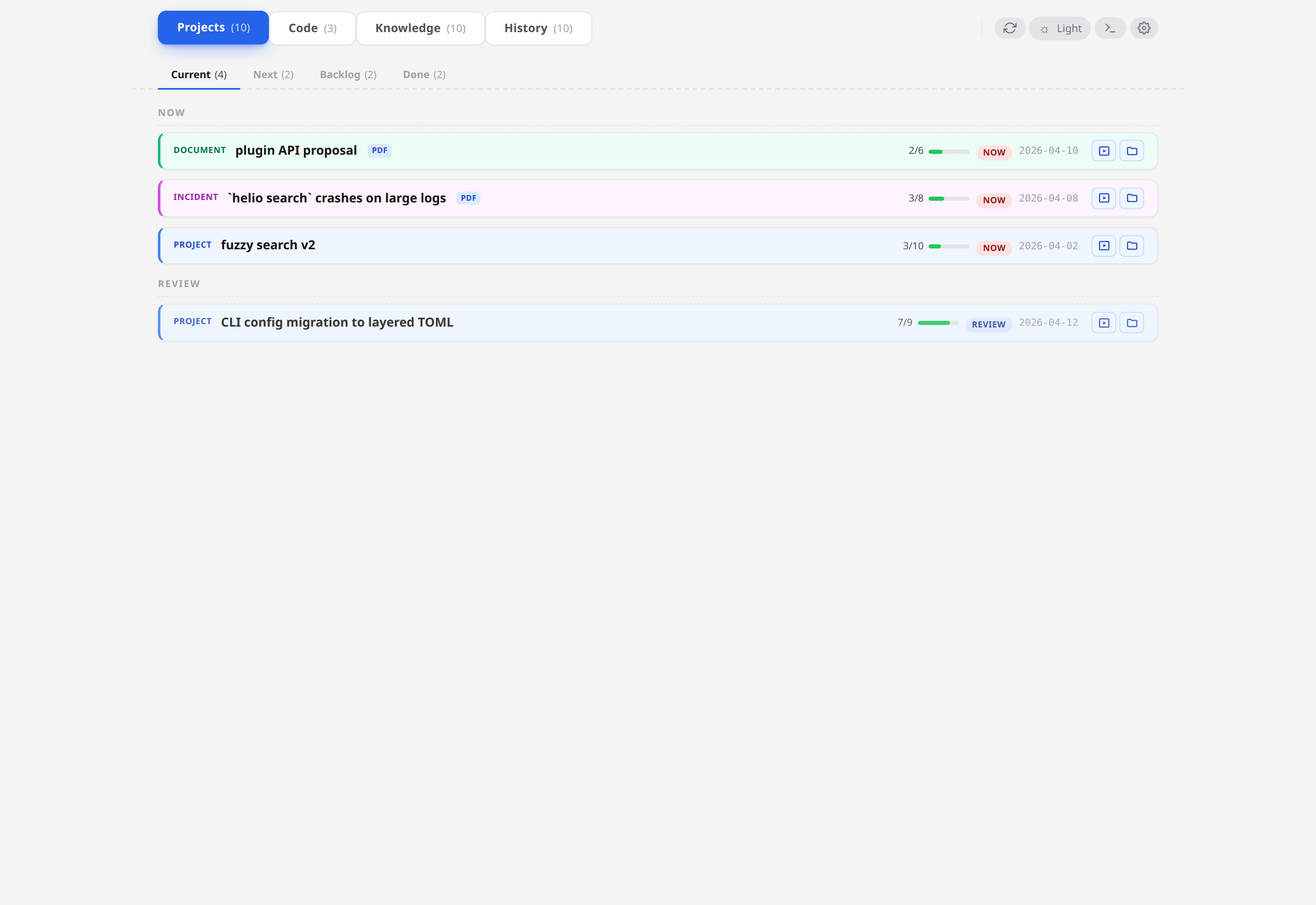
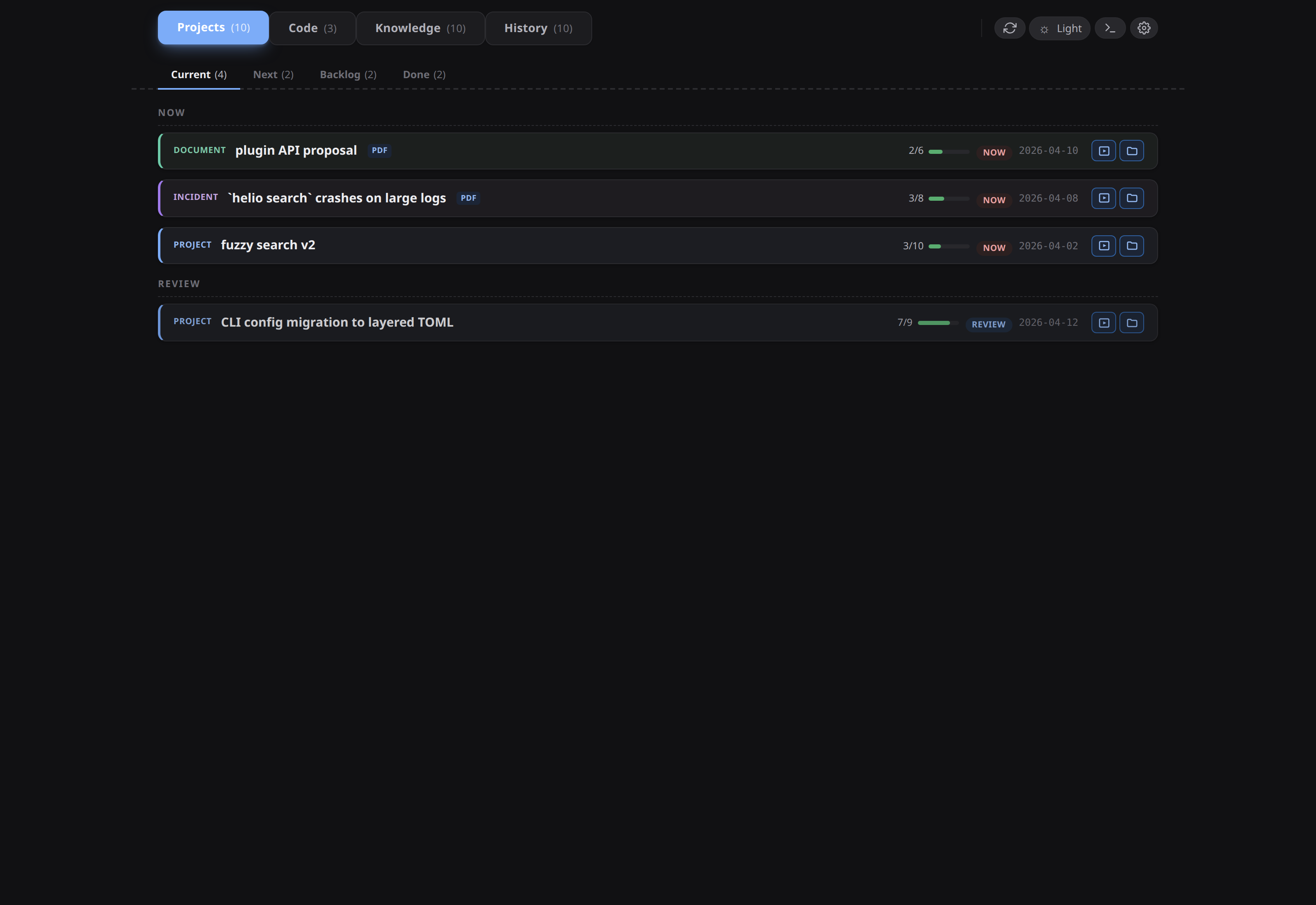
What is a conception?
A conception is the folder condash renders. It is an ordinary directory in an ordinary git repo — nothing in it is a condash file format:
conception/
├── projects/
│   └── 2026-07/
│       └── 2026-07-26-try-condash/
│           ├── README.md          ← one item = one folder, one README
│           ├── notes/             ← long-form working notes
│           └── deliverables/      ← PDFs, exports, anything you produced
├── knowledge/                     ← durable reference notes, not tied to an item
├── resources/                     ← loose files you want at hand
└── .condash/settings.json         ← which repos and paths this tree knows about
Every item is one dated directory with a README.md inside it. The README's YAML frontmatter carries status, kind, and which apps it touches; its ## Steps section is a GitHub-style checklist. That is the whole convention — README format writes it down in full, and everything else in the tree is free-form Markdown.
Because it is only files, everything else still works: git diff shows what changed when you flip a step, rg finds a decision from two years ago in milliseconds, your editor opens it, and an agent can read and write it with no integration layer at all.
Don't have a conception yet? condash ships one — step 2 of Get started has it lay a working tree down for you.
Start here
- → Get started — install, open or initialise a tree, create an item, then watch the file change on disk. About ten minutes, with a checkpoint at every step.
- → A day with condash — the realistic loop once you have items: open one, work in its repo, run something in the embedded terminal, push a PR, close.
- → Why Markdown-first — the argument, if you'd rather be convinced before you install.
Sections
- Get started — install, first launch, your first item.
- Tutorials — learn condash by working through a realistic day.
- Guides — task-focused how-tos, one per surface.
- Reference — every key, flag, and file format.
- Background — why condash is shaped this way.